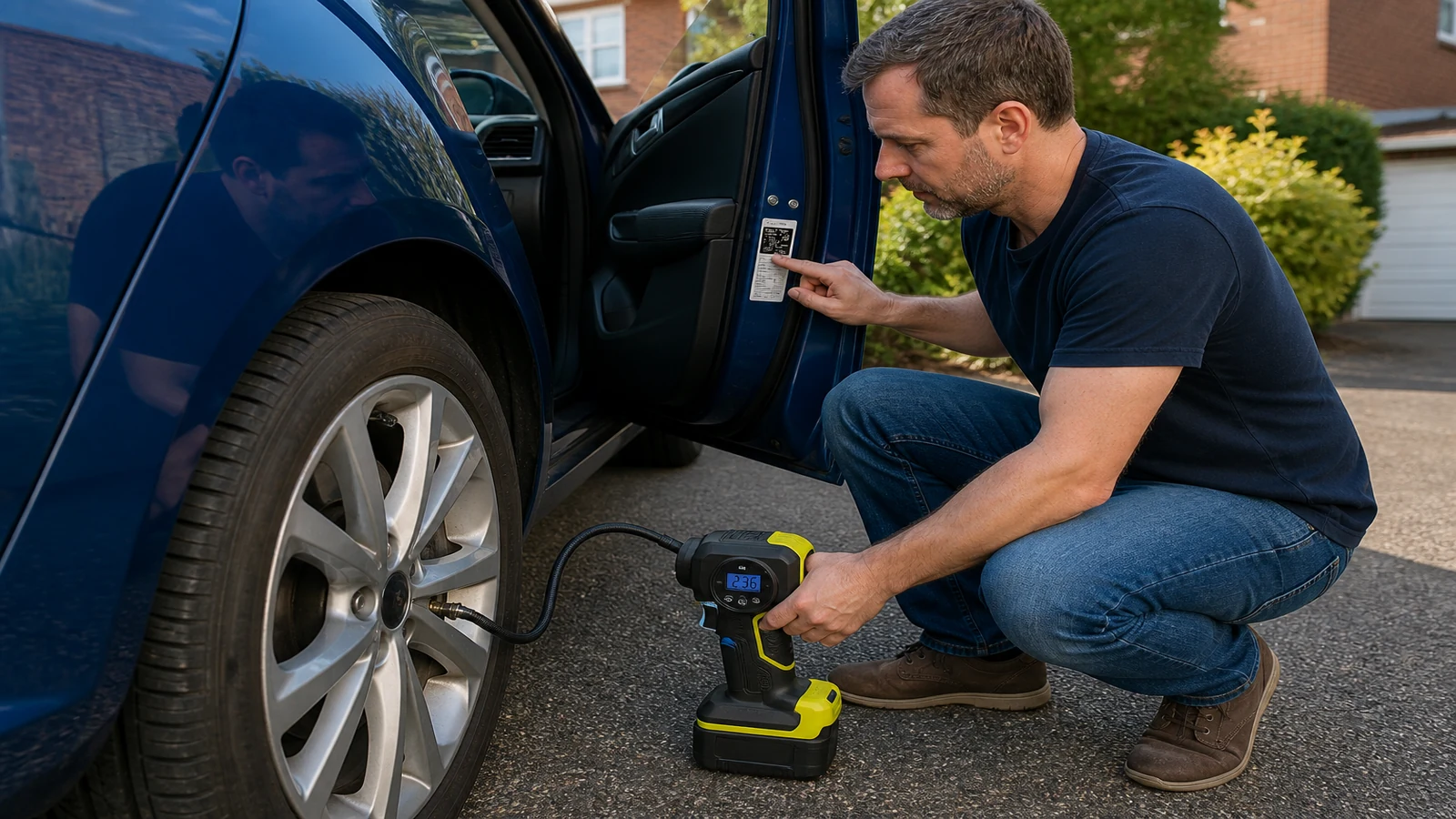
Short answer: Using a cordless tyre inflator for the first time is mainly a sequence problem: find the correct cold pressure, understand the device connection, read the display and know when to stop. Compressordual lists a wireless colour-display inflator with a digital pressure display and built-in lighting. Its page does not state the connector, display units, pressure range, charging method or automatic stop. Begin in a safe place with the vehicle handbook or pressure label available. Follow the product instructions rather than guessing from the tyre's appearance, and stop if damage or repeated pressure loss suggests that inflation is not the real problem.
Key takeaways
- Use the vehicle's cold pressure information instead of guessing from tyre appearance.
- The Compressordual page does not publish the connection, units or automatic-stop method.
- Stop and seek appropriate help when damage or repeated pressure loss is present.
Prepare the car and the device
Park where you can work without putting yourself or other road users at risk. Have the vehicle handbook, door-shut pressure label or other vehicle data ready. Check the tyre and valve visually before attaching anything. The product page confirms a wireless configuration, digital pressure display and built-in lighting, but manufacturer does not specify the charging method or connector there, so read the model instructions before starting.
| Before use | What to confirm |
|---|---|
| Target | Correct cold pressure for the vehicle and load |
| Device | Charged or otherwise ready according to its instructions |
| Connection | Valve connector and seal procedure for this model |
| Readout | Pressure units and control behaviour |
Connect without inventing a procedure
The current listing does not identify the hose, chuck or valve connector. That means the first connection should come from the product instructions, not from a generic video for another pump. Check that the device is intended for the vehicle valve, attach it as directed and observe whether the reading is stable. If the seal is poor or the display is unclear, stop and resolve that before adding air.
- Read the product instructions and identify the correct connector.
- Confirm the vehicle target and the display unit before inflating.
- Attach the connector as directed and note the starting reading.
- Add air while watching the display and using the documented controls.
- Stop, detach carefully and check the final reading against the target.
Recheck the result while the tyre is cold
The Highway Code says pressure should be checked weekly, before a journey and when tyres are cold. Warm or hot tyres may give a misleading reading. The display on the Compressordual unit may help you observe a number, but the page does not publish its units or accuracy. Compare the reading with the vehicle's stated target only after you understand what the display is showing.
Know when to stop inflating
If a tyre has a visible cut, bulge, damaged valve or repeated pressure loss, adding air is not enough to establish that it is fit for a journey. The Highway Code says a flat tyre should be dealt with only when safe, and faults affecting tyre condition need attention. Manufacturer does not specify any puncture-diagnosis or repair function for this inflator, so move to inspection or recovery support when the underlying problem is uncertain.
Related guides and product details
A first use should end with a verified cold reading and a sound tyre, not simply a fuller-looking sidewall. Read Lay-By After Dark: Tyre Inflator With Light UK for related guidance. Read Portable Car Air Compressor Without a 12V Lead for related guidance. Review the documented specification on the Wireless Car Tyre Inflator with Colour Display product page before ordering.
Sources and safety context
- Supports the listed wireless, display and lighting features and the missing operating specifications Current Compressordual product page.
- Supports cold checks, vehicle-specific pressure and safe handling of flat or damaged tyres The Highway Code, Annex 6: Vehicle maintenance, safety and security.